
 Русский
 English
 Українська
 Deutsch
 Español
 Português
 Türkçe
 中文
中文
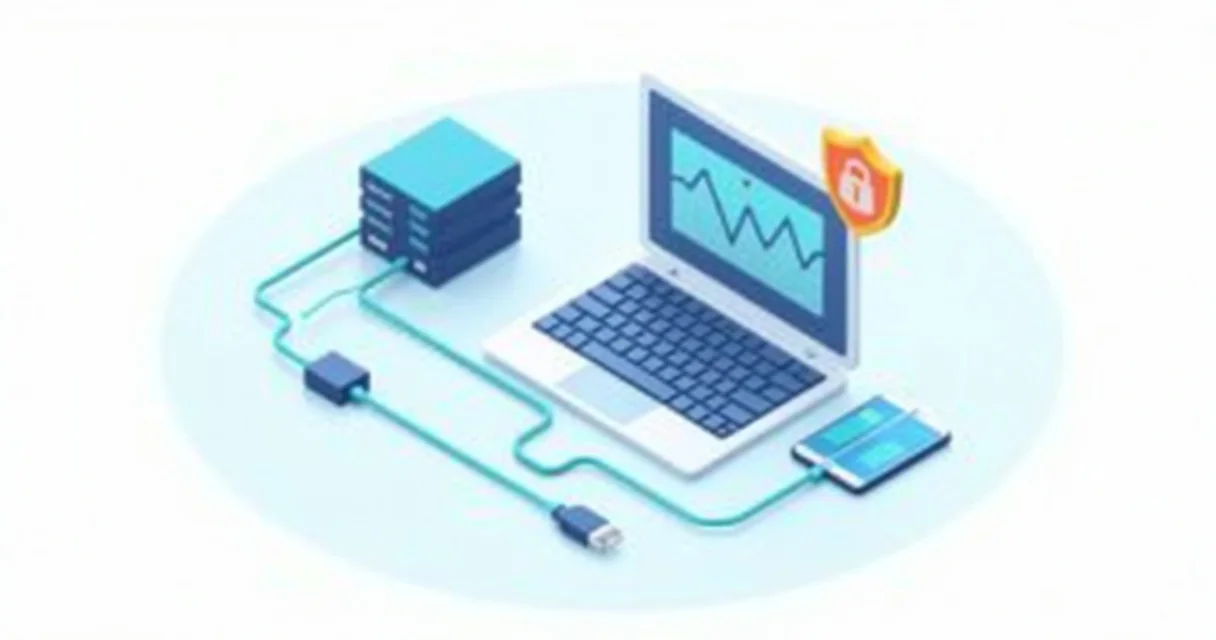
Real-time proxy monitoring with webhooks enables automated, event-driven management of scraping infrastructure by pushing critical performance data directly to your backend the moment an event occurs. This approach replaces inefficient polling methods with an architecture that triggers immediate corrective actions—such as IP rotation or circuit breaking—ensuring maximum uptime and cost efficiency for high-scale data extraction projects.
The Shift from Polling to Webhook-Driven Monitoring
Traditional proxy management often relies on "polling," where a client script periodically requests status updates from a proxy provider's API. While functional for small-scale operations, polling introduces a fundamental trade-off between latency and resource consumption. If you poll every 60 seconds, you are potentially flying blind for 59 seconds between checks. If you poll every second, you waste significant bandwidth and CPU cycles on redundant requests that usually return "no change."
Webhooks invert this relationship. In a webhook-driven architecture, the proxy provider (such as GProxy) acts as the sender, and your infrastructure acts as the receiver. When a specific threshold is met—for instance, a sudden spike in 403 Forbidden errors or a drop in success rate below 95%—the provider sends an HTTP POST request to your pre-defined endpoint. This "push" model ensures that your system reacts in milliseconds, not minutes.
For enterprise-grade scraping, where thousands of concurrent requests are standard, the efficiency gains are measurable. By reducing the overhead of status checks, your infrastructure can dedicate more resources to actual data processing. Furthermore, webhooks allow for granular monitoring of specific sub-users or geographical zones, providing a level of detail that global polling often misses.

Core Metrics for Real-time Proxy Health
To build an effective monitoring system, you must identify which metrics define "optimal performance" for your specific use case. Not all proxy failures are equal; a 407 Proxy Authentication Required error requires a different response than a 429 Too Many Requests error.
1. Success Rate and Failure Distribution
The primary KPI for any proxy operation is the success rate (Total Successful Requests / Total Requests). However, a raw percentage is rarely enough. Real-time webhooks should categorize failures into specific HTTP status codes:
- 403 Forbidden: Often indicates that the target site has identified the proxy IP or the request fingerprint (TLS, headers, etc.).
- 429 Too Many Requests: A clear signal that the rate limit for a specific IP or proxy pool has been reached.
- 502/503/504 Gateway Errors: Usually point to issues within the proxy network itself or the upstream provider.
2. Latency and Response Time
Latency is the silent killer of scraping performance. A proxy might be "functional" but take 15 seconds to return data. Webhooks can be configured to trigger when the 95th percentile (P95) latency exceeds a specific threshold (e.g., 2,500ms). This allows your load balancer to temporarily deprioritize slow regions in favor of faster ones, maintaining the overall throughput of your scraper.
3. Bandwidth and Traffic Spikes
Monitoring data consumption in real-time is vital for cost management. If a scraper enters an infinite loop or a target site changes its structure, causing it to return massive payloads unexpectedly, a webhook can alert your team before the daily budget is exhausted. GProxy users often set "soft limits" via webhooks to receive warnings at 80% and 90% of their allocated bandwidth.
Comparing Monitoring Architectures: Polling vs. Webhooks
The following table illustrates why high-frequency data operations are moving toward webhook-based systems for proxy management.
| Feature | API Polling | Webhooks (Event-Driven) |
|---|---|---|
| Reaction Time | Delayed (determined by poll interval) | Instant (real-time push) |
| Server Overhead | High (constant requests/responses) | Low (only active when events occur) |
| Data Accuracy | Snapshot-based | Continuous/Stream-based |
| Implementation Complexity | Low (simple GET requests) | Medium (requires public endpoint) |
| Scalability | Poor (scales linearly with frequency) | Excellent (scales with event volume) |
Implementing a Webhook Listener in Python
To utilize real-time monitoring, you need a robust listener capable of handling incoming POST requests from the proxy provider. Below is a practical implementation using the Flask framework. This script listens for alerts, logs them, and triggers a hypothetical "Circuit Breaker" if the error rate exceeds a safety threshold.
from flask import Flask, request, jsonify
import logging

app = Flask(__name__)

# Configure logging
logging.basicConfig(level=logging.INFO)
logger = logging.getLogger("ProxyMonitor")

# Threshold for emergency shutdown
ERROR_THRESHOLD = 0.25  # 25% error rate

@app.route('/gproxy-webhook', methods=['POST'])
def handle_proxy_alert():
    data = request.json

    if not data:
        return jsonify({"status": "error", "message": "No data received"}), 400

    event_type = data.get('event')
    metrics = data.get('metrics', {})

    logger.info(f"Received {event_type} alert for zone: {data.get('zone_id')}")

    # Logic for handling high error rates
    if event_type == 'high_error_rate':
        error_rate = metrics.get('error_rate', 0)
        if error_rate > ERROR_THRESHOLD:
            trigger_circuit_breaker(data.get('zone_id'))

    # Logic for bandwidth alerts
    elif event_type == 'bandwidth_limit_reached':
        notify_admin(f"Bandwidth critical: {metrics.get('usage_percent')}% used")

    return jsonify({"status": "success"}), 200

def trigger_circuit_breaker(zone_id):
    # Logic to stop the scraper or rotate to a backup pool
    logger.warning(f"CRITICAL: Circuit breaker triggered for {zone_id}. Rotating pool...")

def notify_admin(message):
    # Logic to send a Slack or Email notification
    logger.info(f"Notification sent: {message}")

if __name__ == '__main__':
    app.run(port=5000)
In this example, the /gproxy-webhook endpoint serves as the destination for all performance alerts. When GProxy detects an anomaly in your traffic—such as an unusual volume of 403 errors—it sends the JSON payload to this URL. Your application can then programmatically decide whether to switch from residential proxies to mobile proxies or simply pause the task to avoid further IP burning.
Advanced Strategies: Automated Failover and Circuit Breaking
Real-time monitoring is only as effective as the actions it triggers. Advanced users implement "Automated Failover" strategies to ensure that data collection never stops, even when a specific proxy provider or IP pool faces issues.
The Circuit Breaker Pattern
Borrowed from software engineering, the Circuit Breaker pattern prevents a system from repeatedly trying an action that is likely to fail. In the context of proxies, if a webhook reports that the success rate for a specific target (e.g., example.com) has dropped to 10%, the "circuit" opens. The system automatically stops sending requests to that target via the current proxy pool for a cooling-off period (e.g., 15 minutes). This prevents your account from being flagged for suspicious activity and saves your proxy balance from being wasted on guaranteed failures.
Dynamic Pool Reconfiguration
Using webhooks, you can dynamically adjust your proxy configuration based on live environmental factors. For example, if a webhook indicates that the latency for a US-East proxy pool has spiked due to a local ISP outage, your management script can update your scraper's configuration to use US-West or European exit nodes. GProxy’s flexible API allows for these changes to be made on-the-fly without restarting your entire scraping cluster.
Integrating with SIEM and Observability Tools
For organizations running massive operations, webhook data shouldn't just live in a script; it should be integrated into broader observability stacks like Datadog, Prometheus, or ELK (Elasticsearch, Logstash, Kibana). By piping webhook payloads into these tools, you can create comprehensive dashboards that visualize proxy performance alongside your application's health. This allows for cross-referencing: "Did our scraper slow down because of the proxies, or because our database was under heavy load?"
Security Considerations for Webhook Endpoints
Since your webhook endpoint must be publicly accessible to receive updates from GProxy, security is paramount. An unprotected endpoint could be targeted by malicious actors to send fake "failure" signals, potentially disrupting your entire operation.
- IP Whitelisting: Configure your firewall or web server (Nginx/Apache) to only allow incoming POST requests from GProxy's known IP ranges. This is the simplest and most effective first line of defense.
- HMAC Signatures: Many premium providers include an HMAC (Hash-based Message Authentication Code) in the request header. Your server should calculate the hash using a shared secret key and compare it to the header. If they don't match, the request is discarded.
- Token Verification: Include a unique, high-entropy token in the webhook URL (e.g.,
/webhook?token=a1b2c3d4...). While not as secure as HMAC, it adds a layer of "security through obscurity" that deters basic automated scanners.
Key Takeaways
Implementing real-time proxy monitoring via webhooks is a fundamental requirement for scaling web scraping operations beyond the amateur level. It shifts the burden of monitoring from your infrastructure to the proxy provider, allowing for instantaneous responses to network volatility and target-site defenses.
- Webhooks provide a low-latency, resource-efficient alternative to API polling, enabling "push" notifications for critical events like IP blocks and latency spikes.
- Automated response logic is essential. Use the data from webhooks to trigger circuit breakers or rotate proxy pools programmatically to maintain a high success rate.
- Security is not optional. Always protect your webhook endpoints using IP whitelisting or signature verification to prevent unauthorized interference with your scraping logic.
Practical Tip 1: Start by setting up a simple webhook to alert you when your bandwidth usage hits 50%, 75%, and 90%. This is the easiest way to prevent unexpected service interruptions without needing complex failover logic.
Practical Tip 2: When a "High Error Rate" webhook is triggered, don't just rotate IPs. Use the webhook data to log the specific target URL and headers used. Often, a spike in 403 errors is caused by a change in the target site's JavaScript challenge or TLS fingerprinting requirements, not the proxies themselves.
View Plans

DIY Proxy Farm: How to Build and Configure

Proxy API Integration: Automation for Developers

503 Error and Proxy Timeout: Diagnostics and Fix

502 Bad Gateway Error with Proxy: How to Fix

Error 407 Proxy Authentication Required: Causes and Fix
