
 Русский
 English
 Українська
 Deutsch
 Español
 Português
 Türkçe
 中文
中文
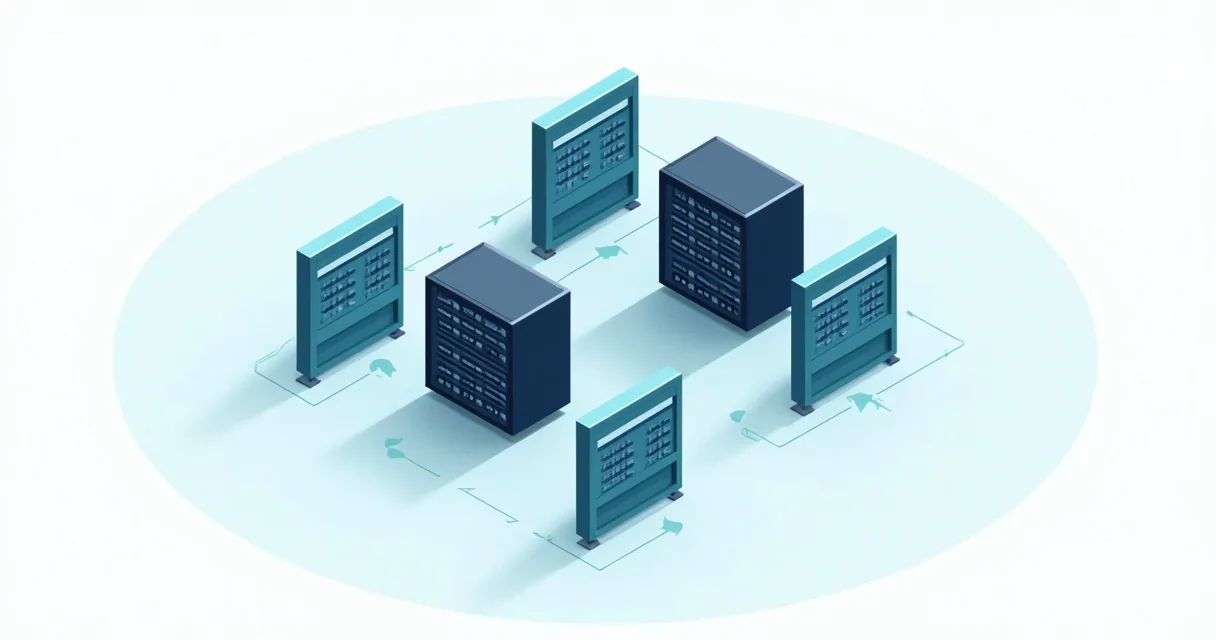
Firefly y los marcos de automatización modernos dependen de la integración de proxies para eludir los mecanismos anti-bot, gestionar los límites de velocidad y acceder a contenido restringido geográficamente durante la recolección de datos a gran escala. Al enrutar las solicitudes a través de un grupo diverso de IPs residenciales o de datacenter, como las proporcionadas por GProxy, estos sistemas pueden simular un comportamiento de usuario orgánico y mantener altas tasas de éxito en entornos web complejos.
Entendiendo Firefly en el Ecosistema de Automatización
Firefly es un marco de automatización especializado diseñado para la ejecución de tareas distribuidas y el web scraping de alta concurrencia. A diferencia de las bibliotecas estándar que se centran únicamente en la manipulación del DOM, Firefly enfatiza la orquestación de múltiples "workers" que pueden ejecutar scripts en diferentes nodos de red. Esta arquitectura hace que el soporte de proxy sea un requisito fundamental en lugar de una característica opcional.
En un despliegue típico de Firefly, el sistema gestiona una flota de navegadores headless. Sin una estrategia de proxy robusta, un servidor de destino identificaría rápidamente cientos de solicitudes originadas desde una única dirección IP, lo que llevaría al bloqueo inmediato o a la entrega de CAPTCHAs. La integración de la red residencial de GProxy permite a los workers de Firefly rotar IPs en cada sesión, haciendo que el tráfico automatizado sea indistinguible de los usuarios residenciales genuinos ubicados en regiones específicas.
Las características clave de Firefly que se benefician de la integración de proxies incluyen:
- Programación de Tareas Distribuidas: Asignación de nodos proxy específicos a tareas geográficas específicas.
- Persistencia de Sesión: Uso de sesiones de proxy "sticky" para mantener una IP constante en flujos de trabajo de varios pasos, como la creación de cuentas o procesos de pago.
- Flexibilidad de Protocolo: Soporte para protocolos HTTP, HTTPS y SOCKS5 para manejar diferentes tipos de tráfico web y niveles de cifrado.

Principales Sistemas de Automatización con Soporte Nativo de Proxy
Si bien Firefly está ganando terreno para tareas distribuidas, varios otros sistemas de automatización estándar de la industria ofrecen un manejo sofisticado de proxies. La elección de la herramienta adecuada depende de la complejidad del sitio de destino y de la escala requerida para la operación.
1. Playwright
Desarrollado por Microsoft, Playwright se ha convertido en la opción preferida para muchos desarrolladores debido a su velocidad y soporte nativo para características web modernas. Playwright permite la configuración de proxy a nivel de contexto del navegador, lo que significa que puede ejecutar múltiples sesiones aisladas con diferentes IPs dentro de una sola instancia del navegador.
2. Selenium
Como el veterano en el espacio, Selenium admite proxies a través de objetos "Capabilities" u "Options". Aunque es más lento que Playwright, su extenso ecosistema y soporte de lenguajes (Java, Python, C#, Ruby) lo convierten en una opción versátil para la automatización a nivel empresarial donde intervienen sistemas heredados.
3. Puppeteer
Puppeteer es una biblioteca de Node.js que proporciona una API de alto nivel para controlar Chrome o Chromium. Maneja los proxies a través de argumentos de lanzamiento. Es particularmente eficaz para renderizar páginas con mucho JavaScript y generar capturas de pantalla o PDFs mientras se está enmascarado por una IP residencial de GProxy.
4. Scrapy
Para la extracción de datos pura sin la sobrecarga de una interfaz de usuario de navegador completa, Scrapy es el estándar de oro. Gestiona los proxies a través de middlewares, permitiendo la rotación automática y reintentos si una IP específica falla o encuentra un bloqueo.
Comparación de la Implementación de Proxy en Diferentes Frameworks
La siguiente tabla resume cómo los diferentes sistemas de automatización manejan la integración de proxies y sus principales fortalezas en un entorno de producción.
| Framework | Método de Configuración de Proxy | Mejor Caso de Uso | Nivel de Rendimiento |
|---|---|---|---|
| Firefly | Configuración a nivel de Worker / Variables de entorno | Scraping distribuido a gran escala | Muy Alto |
| Playwright | Contexto del Navegador / Opciones de Lanzamiento | SPAs complejas y apps web modernas | Alto |
| Selenium | Proxy Capabilities / Opciones de WebDriver | Pruebas cross-browser y apps heredadas | Moderado |
| Scrapy | Middleware / Ajustes de Entorno | Minería de datos a gran escala (HTML/API) | Extremo (Sin GUI) |
Implementación Técnica: Integración de Proxies en Python
Para utilizar GProxy de manera efectiva con estos sistemas, debe comprender la sintaxis para la autenticación y la rotación. La mayoría de los servicios de proxy de alta calidad requieren un nombre de usuario y una contraseña, que deben integrarse en la cadena de conexión o pasarse como un encabezado.
Implementación de Proxies en Playwright
Playwright facilita la configuración de un proxy con autenticación. Aquí hay un ejemplo práctico de cómo lanzar una instancia de navegador utilizando un endpoint residencial de GProxy:
from playwright.sync_api import sync_playwright

def run_automation():
    with sync_playwright() as p:
        # Reemplace con sus credenciales y endpoint de GProxy
        proxy_settings = {
            "server": "http://geo.gproxy.com:8000",
            "username": "tu_usuario",
            "password": "tu_password"
        }

        browser = p.chromium.launch(proxy=proxy_settings, headless=True)
        page = browser.new_page()

        try:
            page.goto("https://api.ipify.org?format=json")
            print(f"IP Actual: {page.content()}")
        except Exception as e:
            print(f"Error: {e}")

        browser.close()

run_automation()
Configuración de Scrapy para Rotación Automática
En Scrapy, normalmente se utiliza el HttpProxyMiddleware. Para escalar esto, puede crear un middleware personalizado que extraiga del pool rotativo de GProxy para cada solicitud.
# settings.py
DOWNLOADER_MIDDLEWARES = {
    'scrapy.downloadermiddlewares.httpproxy.HttpProxyMiddleware': 400,
    'myproject.middlewares.GProxyMiddleware': 410,
}

# middlewares.py
import base64

class GProxyMiddleware:
    def process_request(self, request, spider):
        proxy_url = "http://geo.gproxy.com:8000"
        user_pass = "usuario:password"
        encoded_user_pass = base64.b64encode(user_pass.encode()).decode()

        request.meta['proxy'] = proxy_url
        request.headers['Proxy-Authorization'] = 'Basic ' + encoded_user_pass
Estrategias Avanzadas para el Éxito de la Automatización
Simplemente conectarse a un proxy suele ser insuficiente para objetivos de alta seguridad. La automatización avanzada requiere un enfoque de múltiples capas para la gestión de la identidad.
1. Gestión de Huellas Digitales del Navegador (Browser Fingerprints)
Los sitios web no solo miran su IP; analizan la huella digital de su navegador, incluyendo el renderizado de Canvas, constantes de WebGL, listas de fuentes y resolución de pantalla. Al usar Firefly o Playwright, es esencial aleatorizar estos parámetros. El uso de un proxy de GProxy proporciona la base, pero bibliotecas como playwright-stealth ayudan a ocultar el hecho de que el navegador está siendo controlado por un script.
2. Manejo de Errores de Autenticación de Proxy 407
Un obstáculo común en la automatización es el error 407 (Proxy Authentication Required). Esto suele suceder cuando las credenciales están mal formateadas o la IP no está en la lista blanca de su panel de GProxy. Asegúrese siempre de que su script de automatización incluya lógica de reintento específicamente para errores 407 y 502 para mantener el tiempo de actividad durante problemas de red transitorios.
3. Sesiones Sticky vs. Rotación por Solicitud
Para scrapear un catálogo de productos, la rotación por solicitud es ideal, ya que distribuye la carga entre miles de IPs. Sin embargo, para tareas como añadir artículos a un carrito o navegar por un panel de usuario, debe utilizar "sesiones sticky". Esto se logra añadiendo un ID de sesión a su cadena de nombre de usuario de GProxy (por ejemplo, user-country-us-session-12345), asegurando que todas las solicitudes durante una duración específica pasen por el mismo nodo de salida.
Conclusiones Clave
Automatizar las interacciones web a escala requiere un conocimiento profundo tanto del marco de software como de la infraestructura de red. Al combinar herramientas potentes como Firefly o Playwright con servicios de proxy de alta calidad, puede crear sistemas resistentes capaces de eludir incluso las protecciones anti-bot más sofisticadas.
- Adapte la herramienta a la tarea: Use Scrapy para grandes volúmenes de datos y Playwright para sitios web interactivos con mucho JavaScript.
- Priorice los Proxies Residenciales: Para la automatización, las IPs residenciales de GProxy ofrecen puntuaciones de confianza mucho más altas que las IPs de datacenter, reduciendo significativamente la activación de CAPTCHAs.
- Implemente el modo Sigilo (Stealth): Combine siempre sus proxies con la suplantación de huellas digitales para garantizar que su automatización permanezca indetectada.
Consejos Prácticos:
- Monitoree las Tasas de Éxito: Realice un seguimiento de la relación entre respuestas 200 OK y 403 Forbidden. Si los 403 aumentan, rote sus cadenas de user-agent y cambie su segmentación de GProxy a una región diferente.
- Use el Modo Headless con Sabiduría: Aunque el modo headless ahorra recursos, algunos sitios lo detectan fácilmente. Pruebe sus scripts en modo "headful" ocasionalmente para ver si el comportamiento cambia.
- Establezca Retrasos Realistas: Incluso con un proxy, enviar 100 solicitudes por segundo a un solo dominio puede parecer sospechoso. Implemente retrasos aleatorios gaussianos entre acciones para imitar el ritmo humano.
Leer también

Proxies para A-Parser: Configuración del Procesamiento de Motores de Búsqueda

Proxies para Xrumer: Cuáles elegir y cómo configurarlos

Proxies para Key Collector: Configuración y Rotación

Binom Tracker: Configuración de Proxy para Arbitraje de Tráfico

VKDog Pro: Publicación automática y captura de contenido de VK
